
14 Useful Tools for HTML5 Developers
by Eiji Kitamura
Addy Osmani recently shared a collection of online tools on Google+, and since they looked really useful, I’d like to introduce them here.
DocHub.io #
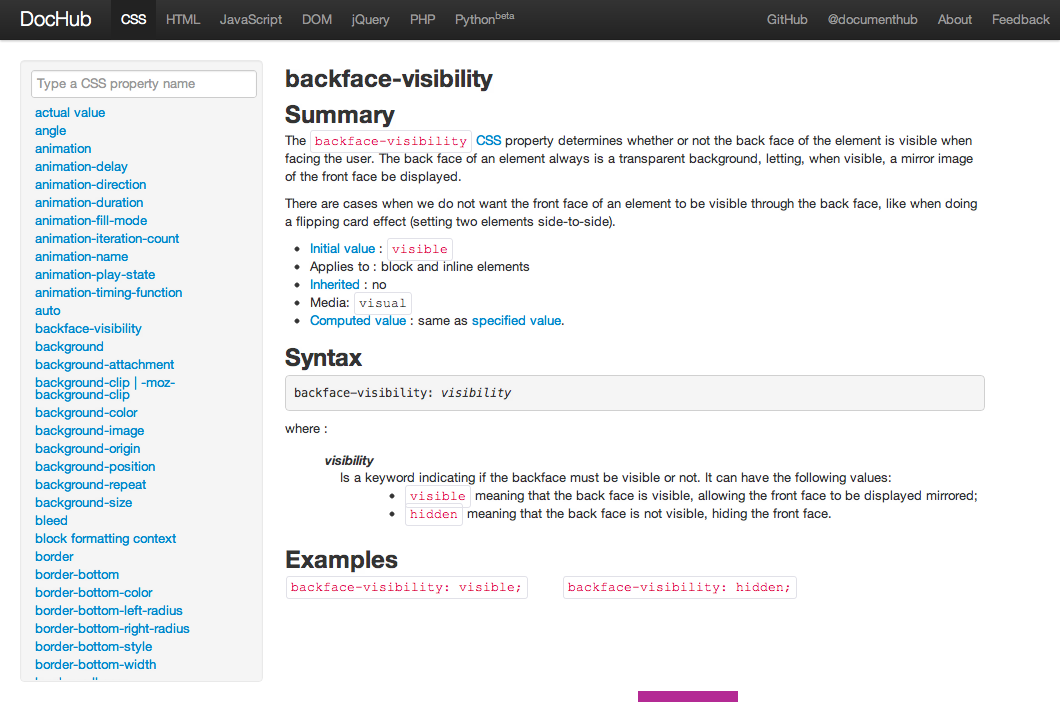
API reference for CSS, HTML, JavaScript, DOM, jQuery, PHP, and Python. With incremental search support, it's something you'll want to keep open all the time while developing.
Dillinger.io #
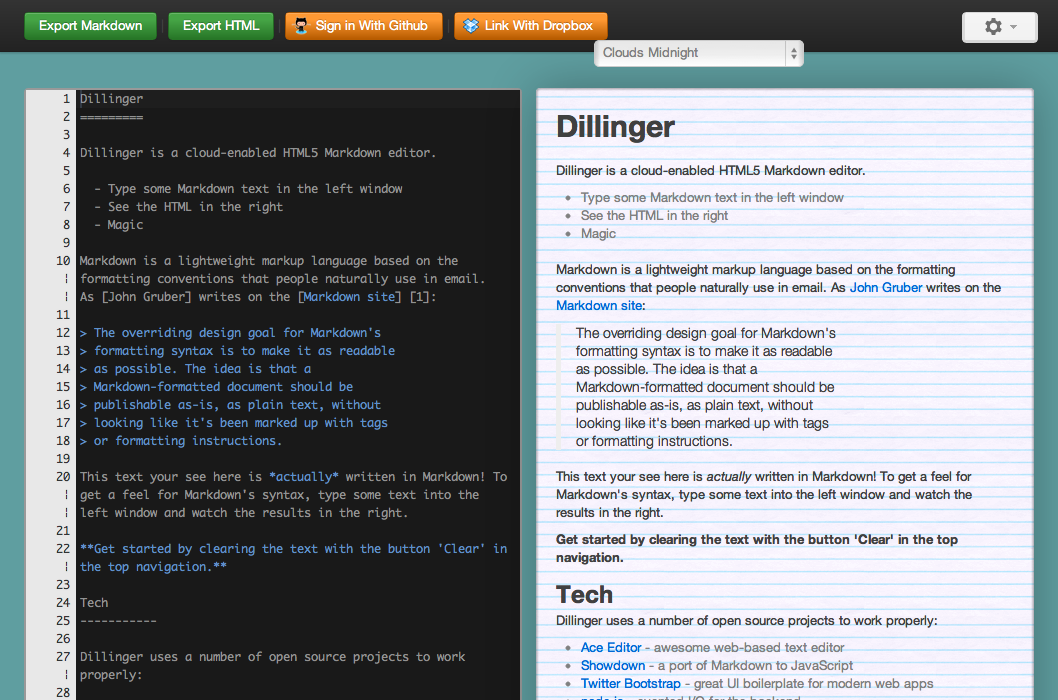
A tool that lets you type Markdown—a syntax that has gained popularity recently through its use on GitHub—while previewing the rendered output visually. If you connect your Dropbox or GitHub account, you can also upload files directly. Mou, a desktop app for Mac, was also introduced alongside it.
HTML5Please #

A handy site providing a list of HTML5 features you can use right now, recommendations based on browser support, and polyfills (JS libraries that backfill features for unsupported browsers).
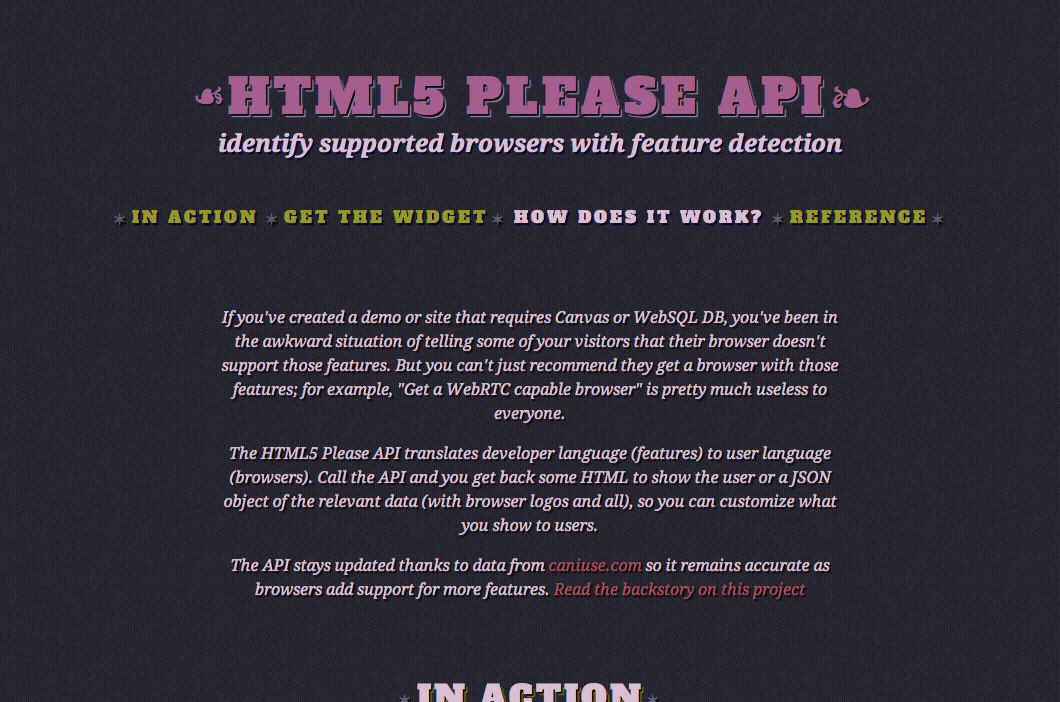
And here is its API. By embedding widgets created here into your site, you can easily build UI that notifies users when a feature is unsupported. Browser support data is reportedly kept up to date using caniuse.com.
CSS3Please #
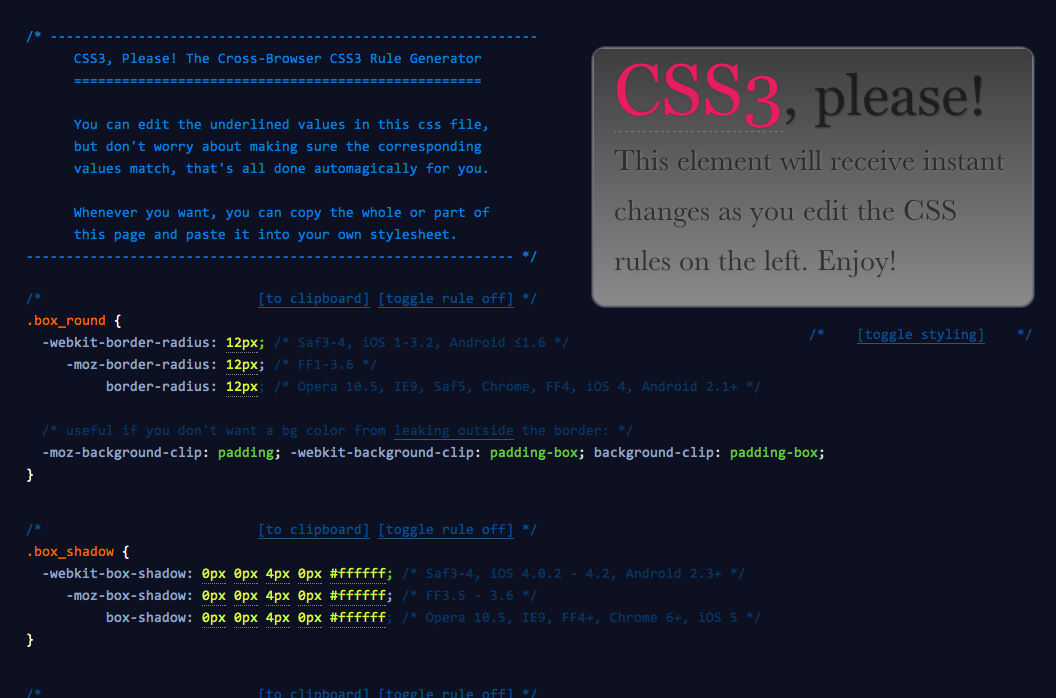
A handy site where you can edit the displayed CSS inline, previewing the results in real time before copying and pasting.
CSS3 Playground #
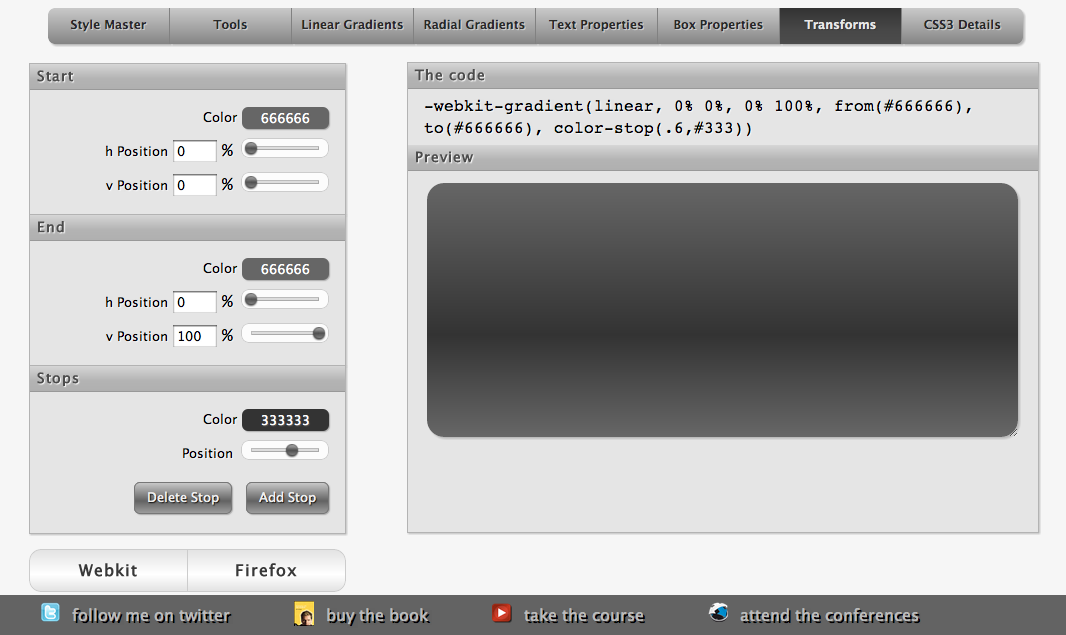
A playground where you can tweak CSS3 properties while visually checking the output. It supports gradients, text properties, transforms, and more.
Responsive #
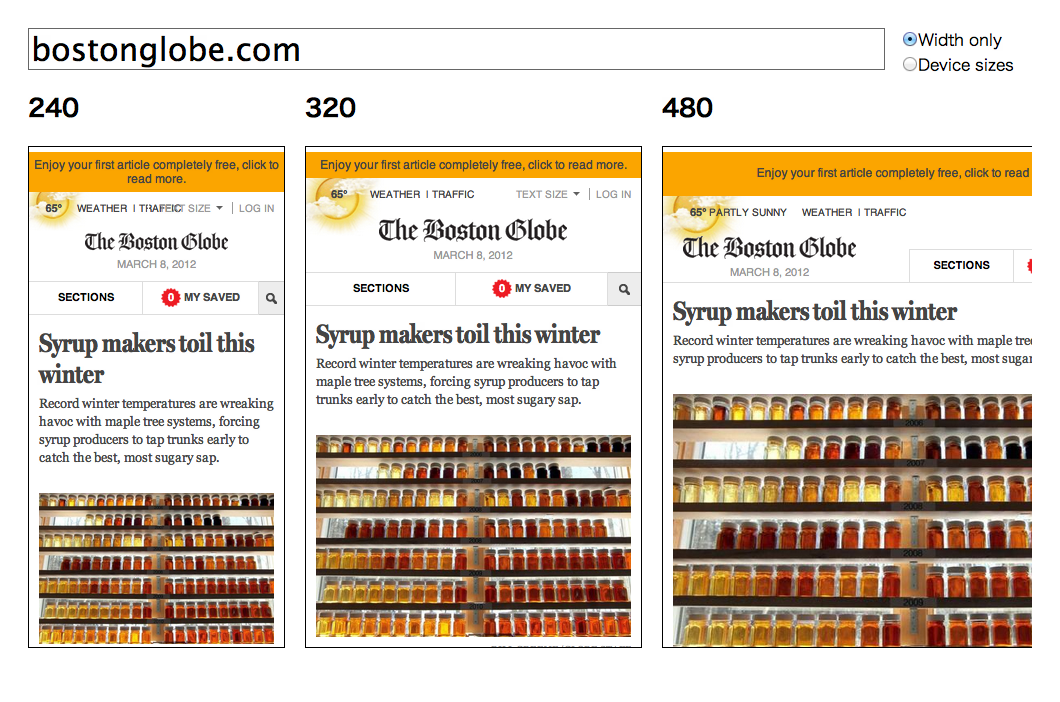
Responsive web design is a concept for supporting a wide range of viewing environments—from smartphones to desktops—with a single codebase. This tool lets you view how a site built with responsive web design looks across various screen sizes all at once.
CanIUse.com #
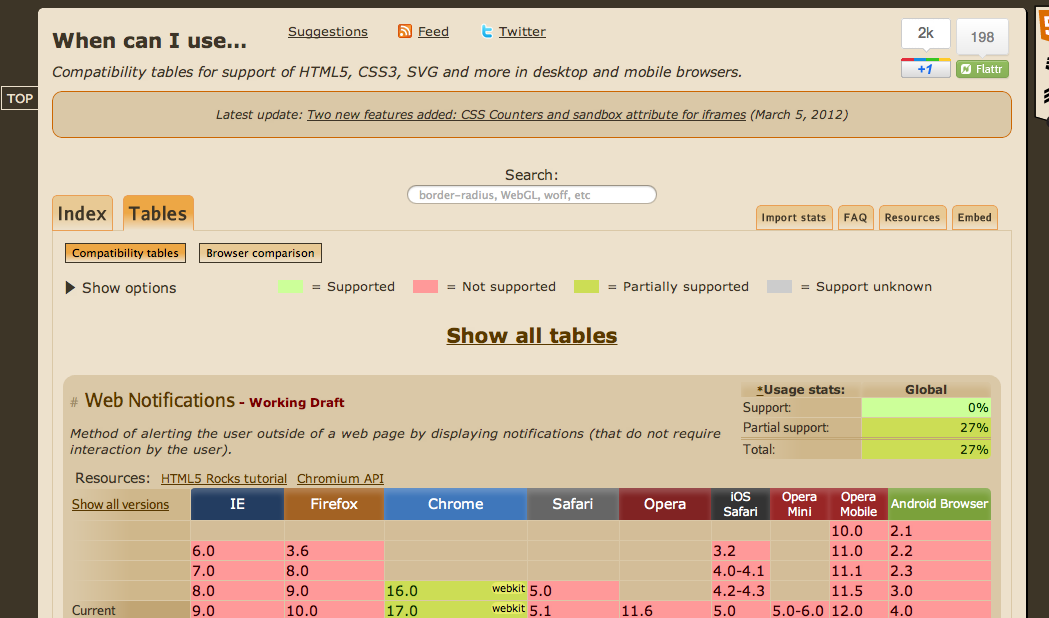
Many of you are probably already familiar with it, but this is the definitive site for checking browser support for HTML5 features.
HTML5 Readiness #

Another well-known site for checking HTML5 support, but rather than looking up individual APIs, its main focus is giving you a visual sense of how HTML5 implementation is progressing.
Browserstack #
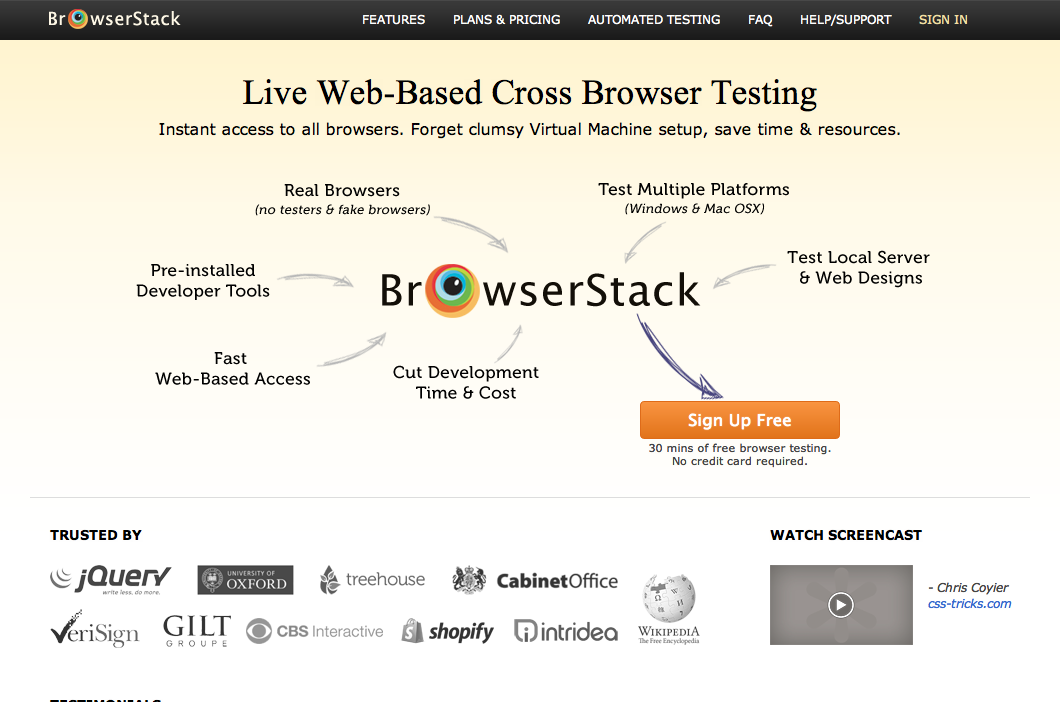
A paid service that lets you test across a wide variety of browsers, both old and new.
Grunt #
A command-line build tool for JavaScript projects. It handles everything from file concatenation to validation, minification, and unit testing. It's still in beta, but it's very powerful.
jsPerf #
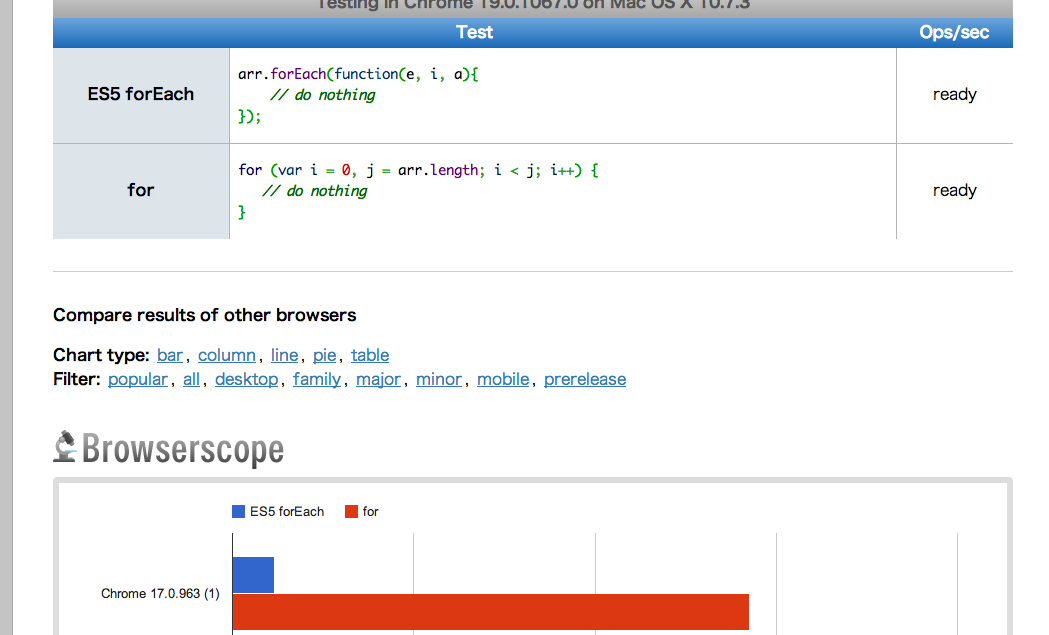
A site for creating and sharing various JavaScript test cases. Just browsing the existing test cases is insightful enough. It also supports cross-browser comparisons powered by Browserscope.org.
jsconsole #
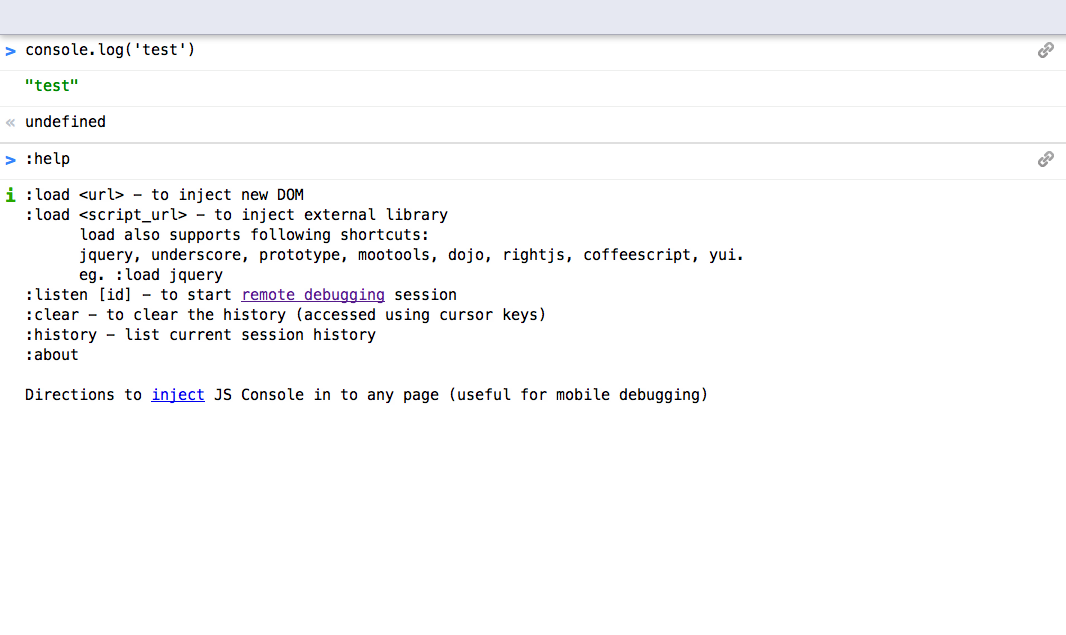
A web app featuring a JavaScript console and debugger. Now that tools like Adobe Shadow are available, it's hard to say how essential it will remain, but the debugging feature that connects to iOS and Android browsers is fantastic.
Chrome DevTools AutoSave #
http://addyosmani.com/blog/autosave-changes-chrome-dev-tools/
While Chrome DevTools' revision history and save capabilities are already convenient, this extension automatically saves your changes, essentially allowing you to develop directly within Chrome DevTools. Addy Osmani provides a clear walkthrough in his screencast.
Codiqa #
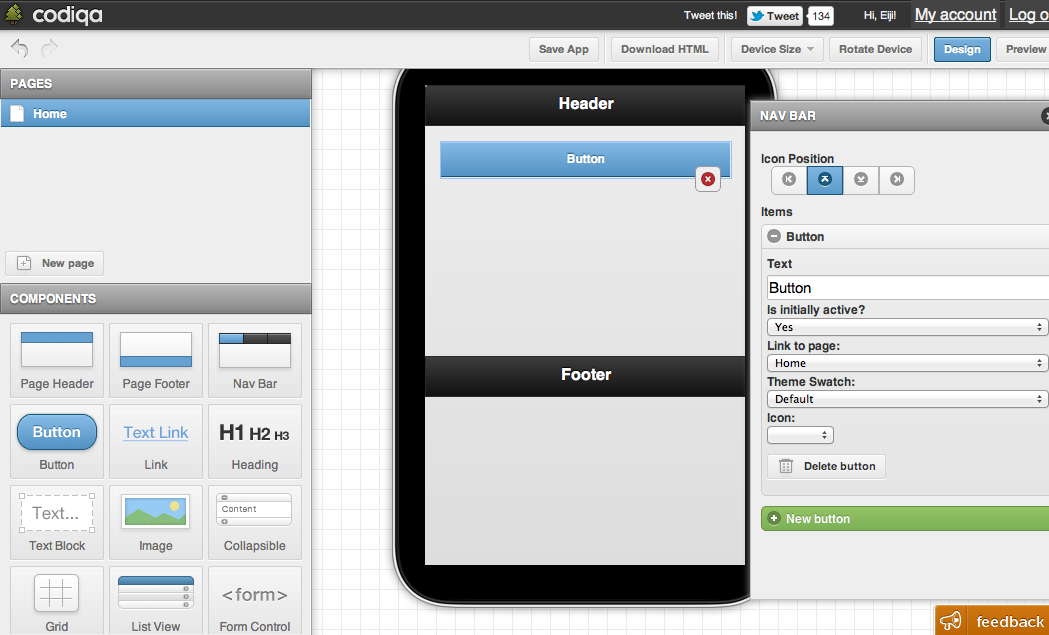
A web app for visually building jQuery Mobile sites.