
Introducing Windows Live Home
by Eiji Kitamura
Major global players are going social one after another. And now, it's finally Microsoft's turn.
Speaking of Windows Live, Spaces originally existed as an SNS—a blogging service incorporating the Messenger social graph—but now Home takes center stage, making it even more SNS-like.
Windows Live Profile #
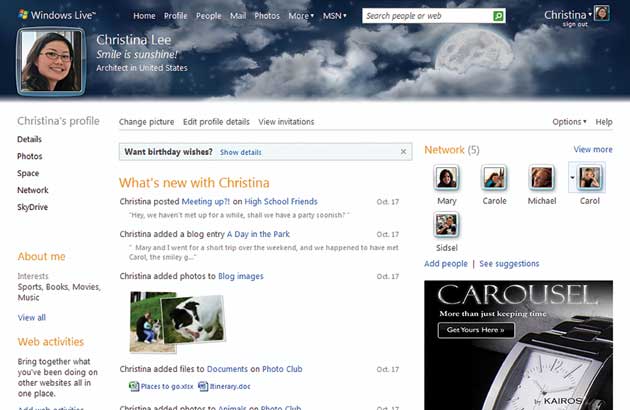
In the upper right corner of the screen is a friends list, and in the center is what other social networks call an activity stream. Just like Facebook, the activity stream is strictly chronological, without being grouped by service. The fact that Live Messenger mood messages are mixed in gives it an interesting, Twitter-like feel. Feeds from specified external services are also displayed mixed into the stream.
The URL is simple, represented with what looks like an internal user ID in a sub-subdomain (?). It would be sleek if this internal ID could be changed later on.
Windows Live Home #
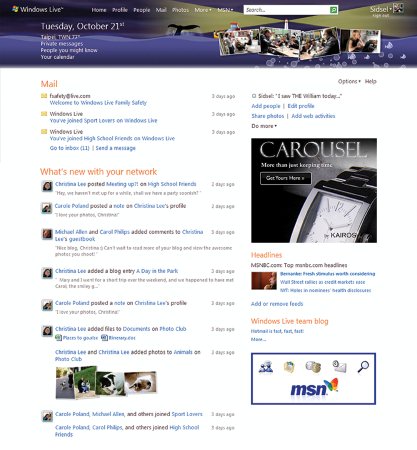
At the very top are the latest emails from Live Mail (formerly Hotmail). Below that, updates from people connected via Live Messenger are displayed as an activity stream. How it's organized relative to Spaces is somewhat unclear.
On the right side of the screen are ad spaces, news, and horoscopes. Hmm, pretty plain.
Windows Live Photo #
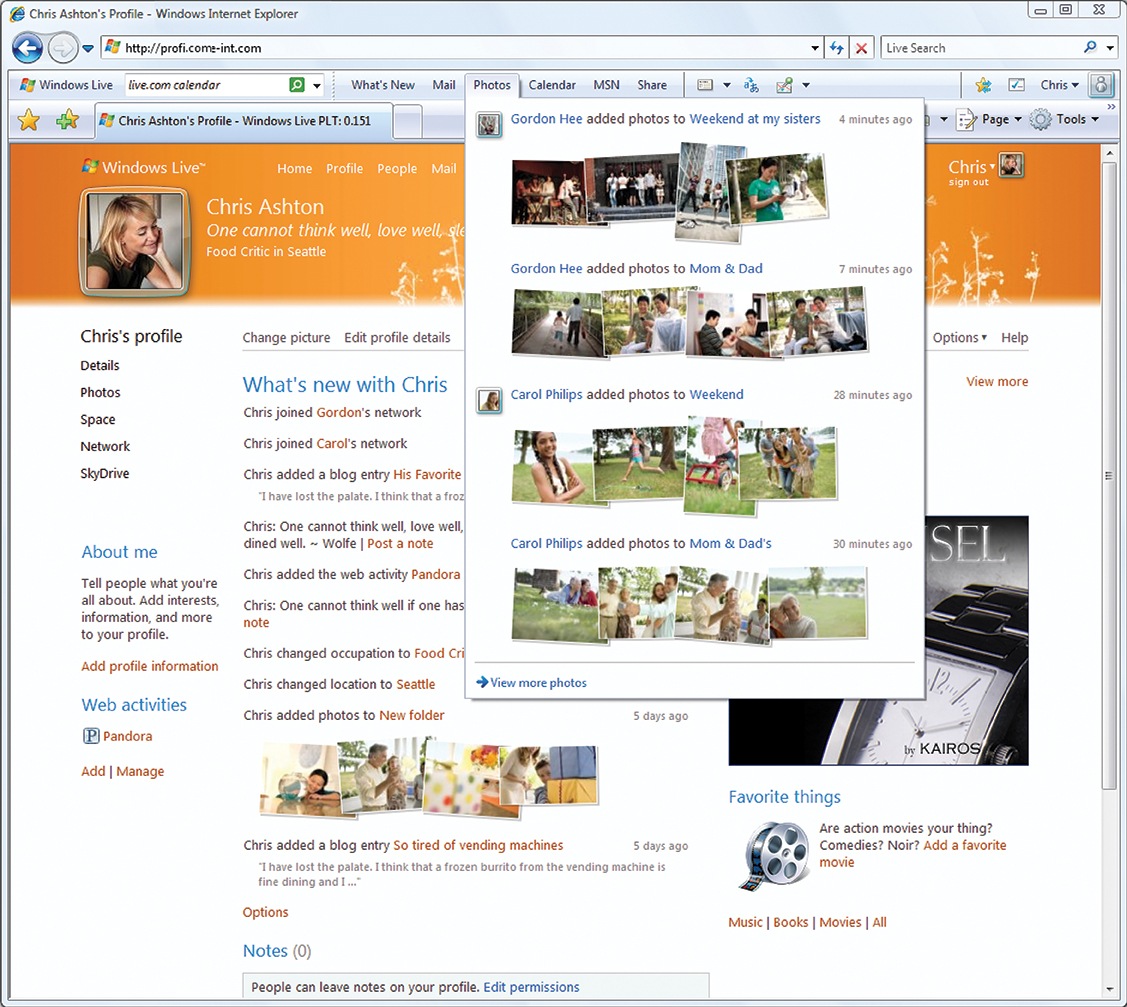
A photo storage service integrated with SkyDrive (MS's 25GB(!) free storage service). There is an activity stream here as well, but it seems to display a feed specifically tailored to Live Photo. In addition to checking out your friends' latest photos, you can also upload your own.
Importing External Services #
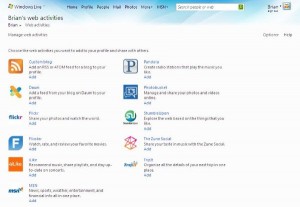
You can import external sites such as Twitter and Flickr to mix them into your activity stream. The first similar service that comes to mind is FriendFeed, but given that Windows Live is an SNS itself, in a way it might be closer to Facebook or Plaxo.
Other New Services #
There also appears to be a group collaboration service called Windows Live Group.
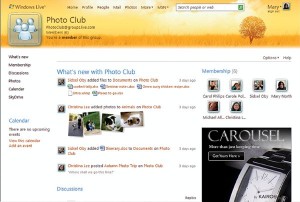
It seems to be usable for group chat via Live Messenger and photo sharing.
Technical Aspects #
Microsoft has announced that Windows Live ID will support OpenID, but has not yet made any specific mention regarding other components of the Open Stack—namely, OpenSocial, OAuth, and PorableContacts. Looking into it, they seem to be achieving OAuth-like functionality using a proprietary protocol called Delegated Authentication.
Will they continue down this proprietary path? Or will they follow the route of Yahoo! and MySpace with a proprietary + open standards approach? Questions remain.
The Significance of Windows Live Going Social #
In the end, even Microsoft has jumped into going social in addition to web services. This suggests that services built on social graphs as a platform will become the norm for the future web. However, going social isn't a silver bullet, nor does it immediately solve everything. Only when there are services capable of leveraging it can users truly reap the benefits. So, what is Microsoft's strategy?
Actually, a client application capable of syncing with the server has already been released for Windows Live Mail, and there are rumors of a client that enables seamless use of SkyDrive across desktop and web. Messenger goes without saying. The social graph has long since been shared between Messenger and Hotmail. In addition, a blog editing software called Writer has already been released.
These are clearly conscious of combining web services in the cloud with desktop software, and all of them can unlock greater potential through SNS-like features.
Microsoft has felt somewhat subdued in the web services space so far, but looking at it this way, you can't rule out the possibility of them making a massive transformation when Windows 7 launches.
Lingering Questions #
One thing that catches my attention is that they haven't provided a place to use Windows Live Gadget on Home. I'm not familiar with the Gadget specs, but what if they are preparing a proprietary JavaScript API to replace OpenSocial...?!
Their strategy in this area will be very interesting to watch.